
How to Write a LinkedIn Featured Section That Sells
 Bas Smeets7 min read
The LinkedIn Featured section is the most underused part of most coaching profiles. It sits just below your About section and gives a warm visitor somewhere to go next. An empty Featured section is a missed conversion every single time.
Most coaches leave it empty. Some fill it with random posts or a link to their general website. The coaches who use it well treat it as a conversion layer: the step between "I am interested in this person" and "I am ready to reach out or book a call."
What should coaches put in their LinkedIn Featured section?
One or two items that do a specific job. Not a portfolio of everything you have ever done. A curated shortlist that moves an interested visitor toward a next step.
The formats that work best for coaches:
- A booking link. A direct link to your calendar or a discovery call page. The simplest thing you can add. Someone interested enough to visit your profile can book a call without any further friction.
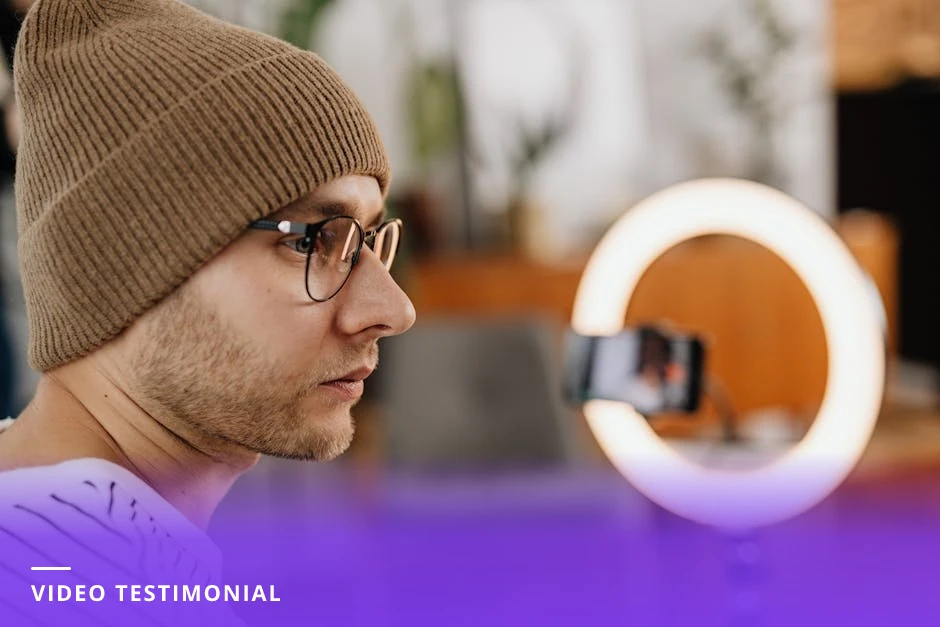
- A strong client testimonial. Not a screenshot of a LinkedIn recommendation, which looks informal. A designed image or a short video of a client describing their experience. Specificity matters here too: "I found clarity I had been avoiding for three years" is more powerful than "Bas is a great coach."
- A lead magnet. A free resource relevant to your ideal client: a guide, a quiz, a short training. Something that gives value and captures an email address. This works particularly well if you have an email list you are building alongside your LinkedIn presence.
- Your best piece of content. A post that performed well and represents your thinking at its clearest. Or a blog article that captures your approach better than any short post could. Something that gives the visitor a sense of how you think.
Put the booking link first
LinkedIn displays Featured items left to right on desktop and top to bottom on mobile. The first item gets the most views. If you have a booking link, it should be first. A visitor who is ready to reach out should be able to do so in one click from your profile.
How many items should coaches put in the Featured section?
One to three. More than three and the section starts to feel like a bulletin board. Each additional item divides the attention the first item would have received. If you have more than three things you want to feature, you probably need to be more selective about what actually belongs there.
One strong item is better than three mediocre ones. A single, well-designed booking link or a compelling client testimonial will outperform a scattered collection of links.

What format should Featured section items be in?
LinkedIn Featured supports several formats: links (to any URL), posts (your own or others'), articles, media (PDF, image, video), and documents.
For coaches, the most useful formats are:
- Links to your booking page or lead magnet
- A designed image that serves as a testimonial or overview of what you offer
- A document (PDF) with a lead magnet or resource
- A link to your strongest blog article or website page
Avoid featuring generic LinkedIn posts. They look informal and temporary compared to purpose-built Featured content. If you want to highlight a strong post, consider turning the insight from it into a designed image or a proper article instead.
Keep it updated
A Featured section with a booking link to a calendar that is no longer active, or a lead magnet that is months old and no longer relevant, does more damage than an empty section. Check your Featured section every quarter and make sure everything in it still represents what you are doing and where you want visitors to go.
How does the Featured section connect to the rest of the profile?
It is the conversion layer. Your headline and the first two lines of your About section create recognition. The rest of your About section builds trust. The Featured section gives the visitor a next step.
Think of the profile as a path: the headline gets them to stop, the About section gets them interested, the Featured section gives them somewhere to go. If the Featured section is empty, people who complete the path have nowhere to turn. Most will close the tab rather than go looking for a contact button.
The complete guide to LinkedIn profile optimization for coaches covers how the Featured section fits with every other element of your profile, including the headline, About section, and Experience section.
Should coaches link to their website in the Featured section?
Only if there is a specific page on your website that does a job the Featured section needs done. A link to your homepage is weak because homepages are general. A link to a specific services page or a contact page is better. A link to a booking page or a lead magnet landing page is best.
If your website is not yet strong enough to send profile visitors to, do not link to it in Featured. Send them to a booking link directly instead. An imperfect booking page converts better than a polished homepage that does not tell the visitor what to do next.
A simple, high-converting Featured section for coaches
Item 1: A Calendly or booking page link, with a thumbnail image that says "Book a 20-minute call" and a caption: "If any of this resonates, this is the easiest starting point." Item 2: A client testimonial image with a specific quote, name (with permission), and role. That is it. Two items, both doing a clear job. No noise.
CoachCraft helps coaches build the LinkedIn presence that makes every profile visit count. Try it free at coachcraft.io.
Frequently asked questions
What should a coach put in their LinkedIn Featured section?
A booking link, a strong client testimonial, or a lead magnet, in order of priority. One to three items that give an interested profile visitor a clear next step. An empty Featured section is a missed conversion on every profile visit.
How many items should be in the LinkedIn Featured section?
One to three. More than three and the section becomes cluttered. Each additional item reduces the attention given to the first. One strong item outperforms three mediocre ones every time.
Should coaches link to their website in the LinkedIn Featured section?
Only if a specific page on your website does a clear job for the visitor: a booking page, a services page with a CTA, or a lead magnet landing page. A homepage link is too general to convert well. A direct booking link is almost always better.
What is the LinkedIn Featured section for?
It is the conversion layer between a profile visitor becoming interested and taking a next step. The headline and About section build recognition and trust. The Featured section gives the visitor somewhere to go: a call, a resource, a testimonial that confirms their instinct to reach out.
How do I add something to my LinkedIn Featured section?
Click the plus icon in the Featured section on your profile. Choose the format: link, post, article, or media. For a booking link, paste the URL, add a title and description, and save. LinkedIn will generate a thumbnail from the link automatically, or you can upload a custom image.
Should coaches feature their LinkedIn posts in the Featured section?
Rarely. Generic posts look informal and temporary in the Featured section. If you want to highlight a strong post, consider turning the insight into a designed image or a proper article instead. Reserve Featured for content with a longer shelf life and a clearer conversion purpose.
How often should I update my LinkedIn Featured section?
Check it quarterly. Make sure any booking links still work, any testimonials are still relevant, and any lead magnets are still active. An outdated Featured section with broken links or expired offers does more harm than an empty one.
For a complete overview, see our How to Get Clients on LinkedIn: The Complete Guide.
Create LinkedIn Content That Converts
Join career coaches using CoachCraft to build their LinkedIn presence.
Get Started Free